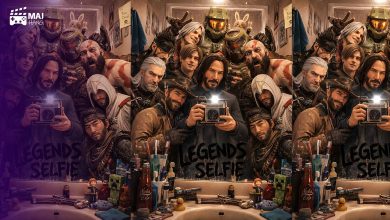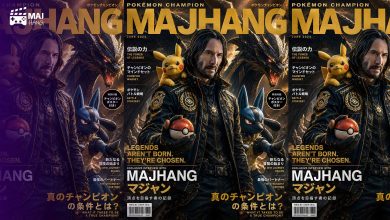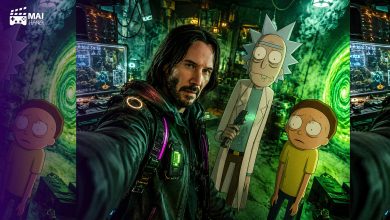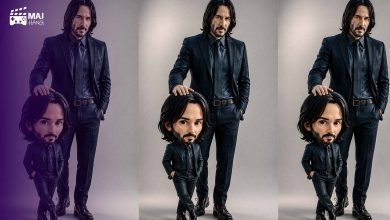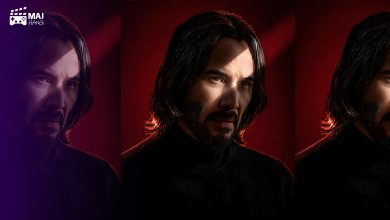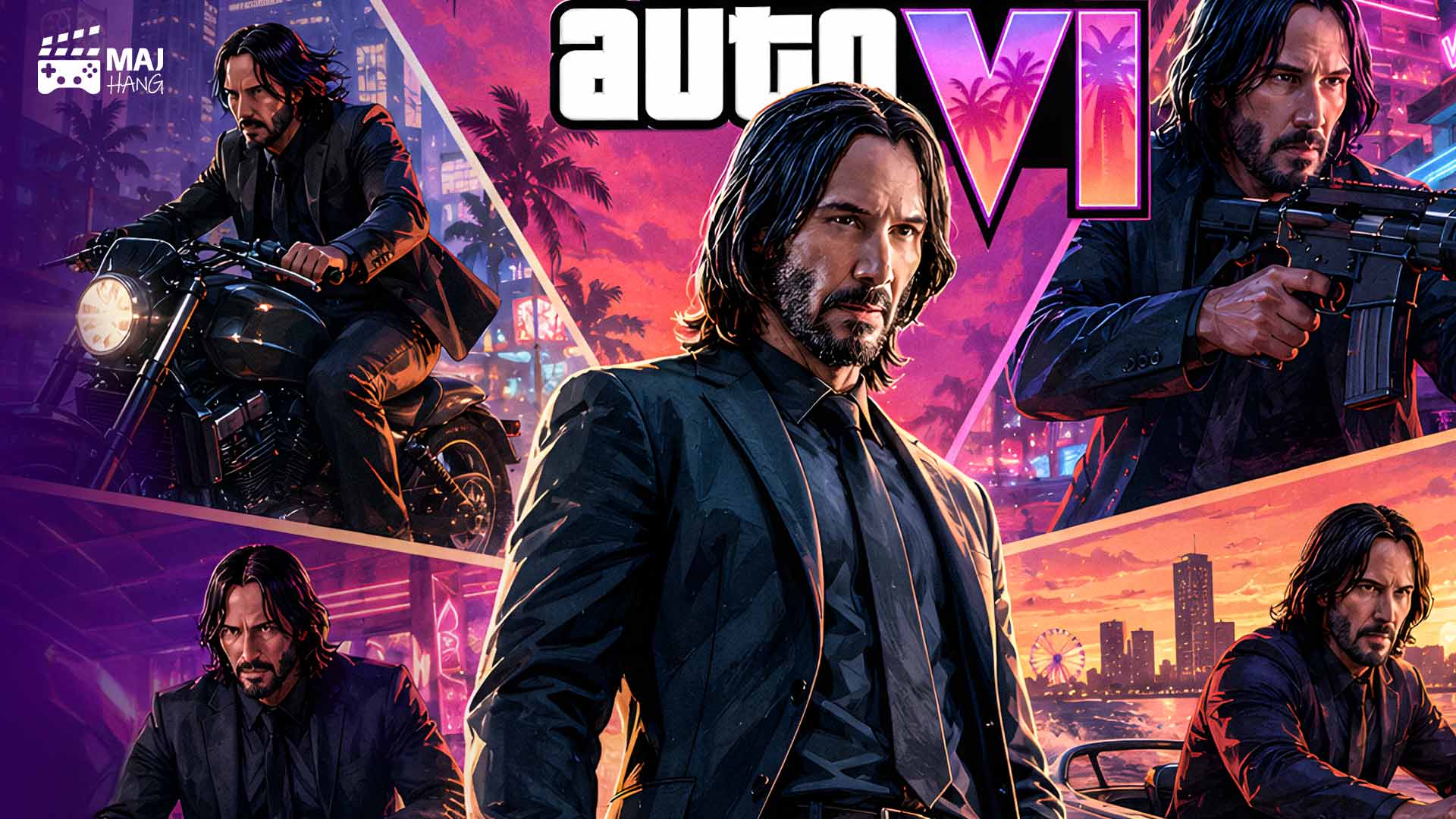
پرامپت تبدیل عکس به کاور GTA 6 / خودتان را وارد دنیای بازی کنید

اگر از طرفداران مجموعه GTA هستید، احتمالا بارها تصاویر و پوسترهای رسمی GTA 6 را دیدهاید. حالا با کمک هوش مصنوعی میتوانید عکس خودتان را نیز به یک پوستر سینمایی با حالوهوای این بازی تبدیل کنید.
در این مطلب از مجهنگ، یک پرامپت تبدیل عکس به کاور GTA 6 را آماده کردهایم که با استفاده از آن میتوانید تنها با یک عکس از چهره خود، یک پوستر تمامقد و پرجزئیات با فضای شهری، خودروها، نئون و المانهای بصری GTA VI بسازید.
این پرامپت را میتوانید همراه با تصویر خود در ChatGPT یا Nano Banana گوگل وارد کنید. هوش مصنوعی میتواند علاوه بر بازسازی چهره، شخصیت اصلی را در یک پوستر جدید قرار داده و حتی صحنههای مختلفی را در پسزمینه تصویر ایجاد کند.
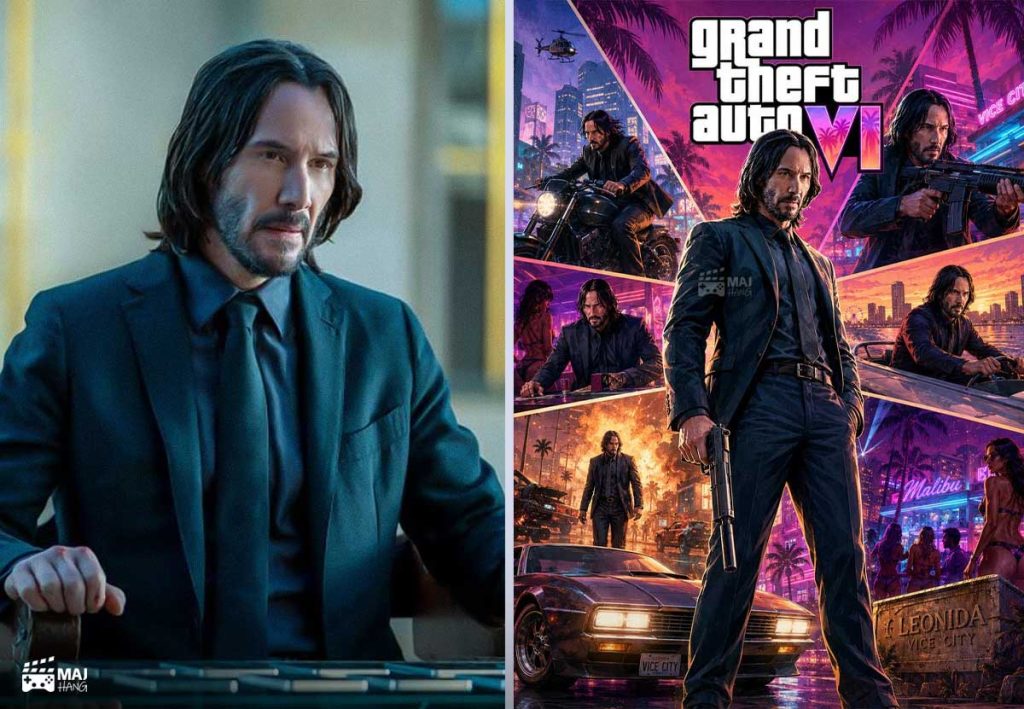
پرامپت تبدیل عکس به کاور GTA 6
برای شروع، عکس واضحی از چهره خود را در ابزار هوش مصنوعی آپلود کرده و متن زیر را همراه آن ارسال کنید:
Convert this image into a 3:4 official GTA VI-style game poster for the character standing full-body confidently from an extreme low-angle camera perspective.

Create high-energy, collage-driven cinematic poster art inspired by the game's native promotional language, preserving the subject's facial identity and requested pose while allowing creative re-layout of the background, props, and color-driven mood.

CHARACTER:

Render the subject as the poster's central playable character in a full-body shot, with supporting vignette figures appearing in the same frame.

Preserve strong facial likeness and recognizable features.
Dress the character in stylized GTA VI-inspired clothing with distinctive accessories.

Translate the clothing into stylized game-asset costume blocks with sharp edges, layered foreground and backdrop separation, and strong silhouette hierarchy.

FACE & ANATOMY:

Use realistic-but-stylized character proportions.
Maintain a clean jaw definition, slightly angular facial features, and crisp eyebrow planes.
Keep the eyes recognizable while reducing unnecessary micro-detail.

Body proportions should remain realistic with a confident standing posture.
Hands should remain anatomically correct and clearly readable.

ENVIRONMENT:

Develop the background into a Miami-inspired urban neon coastal montage.

Show the attached character appearing in different action-oriented scenarios within background vignette shapes.

Include layered urban architecture, palm silhouettes, fast cars, neon signage, coastal elements, and a vibrant city atmosphere.

Arrange the background elements in a dynamic triangular composition that naturally directs attention toward the main character.

Keep the central character dominant while rebuilding the environment as dynamic, narrative-driven vignettes.

RENDER PIPELINE:

Medium: stylized digital game-poster illustration.

Rendering technique:
hard-contour, vector-aware painting with painterly texture accents, crisp ink-like edgework, and selective halftone grit in background planes.

Shading:
softened cel-to-painterly hybrid shading with strong rim highlights and high-contrast cast shadows.

Avoid photographic depth-of-field and realistic camera optics.

COLOR & LIGHT:

Use a saturation-forward palette based on warm magenta, teal-cyan contrast accents, saturated golden highlights, and deep near-black shadows.

Lighting:
cinematic key light from the upper-left with neon rim-light accents.

Use strong highlights for graphic impact while keeping midtones richly saturated.

MATERIALS & TEXTURES:

Skin should appear as smooth, stylized matte with subtle tonal variation rather than photographic pores.

Hair should use layered painterly strokes with subtle highlights.

Clothing and vehicles should feature simplified PBR-inspired surfaces, clean specular blocks, brushed-metal highlights, and soft fabric textures.

DETAILS:

Add high-impact poster elements such as car silhouettes, palm trees, skyline details, neon signs, and layered graphic planes.

Reserve a prominent area for the GTA VI logo at the top of the composition.

Integrate environmental elements with subtle light bloom and selective film grain.

Apply minimal paper grain and controlled brush-scuff marks for an authentic premium promotional-poster texture.

STYLE EXCLUSIONS:

Exclude photorealistic live-action photography, anime, flat cartoon styles, flat icon vector art, vintage or retro film treatments, plastic toy aesthetics, and chibi caricature styles.

FINAL RESULT:

The final image should feel like a premium official GTA VI promotional poster starring the person from the uploaded reference photo.
این پرامپت چه کاری انجام میدهد؟
این دستور تنها عکس شما را روی یک تصویر آماده قرار نمیدهد؛ بلکه تلاش میکند یک پوستر کامل و جدید با الهام از فضای تبلیغاتی GTA VI بسازد.
در تصویر نهایی، سوژه اصلی به شکل یک شخصیت قابل بازی و بهصورت تمامقد نمایش داده میشود و در اطراف او نیز میتوان صحنهها و شخصیتهای کوچکتر، خودروها، ساختمانها و دیگر المانهای شهری را مشاهده کرد.
مهمترین ویژگیهای این پرامپت عبارتاند از:
- تبدیل عکس چهره به یک شخصیت تمامقد
- حفظ شباهت چهره به فرد داخل عکس
- ایجاد پوستر با نسبت تصویر ۳:۴
- استفاده از فضای شهری و ساحلی الهامگرفته از میامی
- اضافه کردن خودرو، نئون، نخل و ساختمانهای شهری
- استفاده از ترکیببندی کلاژی و چندلایه
- رنگبندی پرانرژی با ترکیب صورتی، فیروزهای و طلایی
- نورپردازی سینمایی و سایههای پرکنتراست
- ایجاد بافت چاپی و گرافیکی شبیه پوسترهای تبلیغاتی بازی
چگونه بهترین نتیجه را بگیرید؟
برای استفاده از پرامپت تبدیل عکس به کاور GTA 6 بهتر است یک عکس باکیفیت از چهره خود انتخاب کنید. هرچه صورت در تصویر واضحتر باشد، مدل هوش مصنوعی شانس بیشتری برای حفظ شباهت شما خواهد داشت.
همچنین پیشنهاد میشود عکس انتخابی نور مناسبی داشته باشد و صورت توسط مو، عینک آفتابی یا سایر عناصر پوشانده نشده باشد.
اگر میخواهید نتیجه نهایی بیشتر شبیه یک پوستر بازی باشد، بهتر است پرامپت را بدون حذف بخشهای مربوط به COLOR & LIGHT ،RENDER PIPELINE و MATERIALS & TEXTURES استفاده کنید؛ زیرا این قسمتها نقش مهمی در ایجاد ظاهر گرافیکی و سینمایی تصویر دارند.
اگر به دنبال پرامپتهای کاربردی بیشتری هستید، صفحه «بهترین پرامپتهای هوش مصنوعی» در مجهنگ را در مرورگر خود ذخیره (Bookmark) کنید. این صفحه بهصورت منظم با جدیدترین پرامپتها، آموزشها و ترفندهای هوش مصنوعی بهروزرسانی میشود تا همیشه به تازهترین مطالب دسترسی داشته باشید.